Docs / Basics
Skins
Six distinct looks — every bevel, slider, and 7-segment digit redrawn per skin. One keystroke away.
Switching
- Press ⌘1–⌘6, or pick a skin from the View menu.
- The playlist, EQ, and every control restyle together, instantly.
- Your choice is remembered across launches.
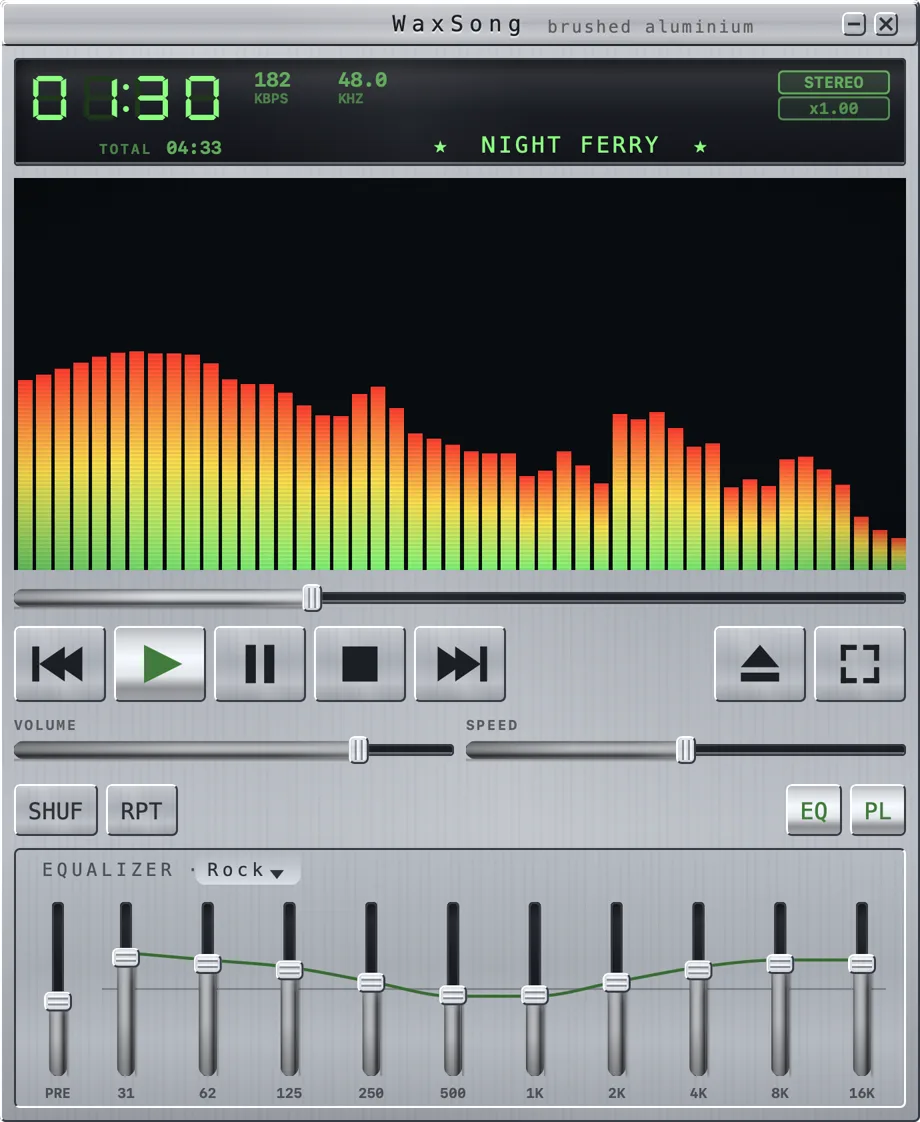
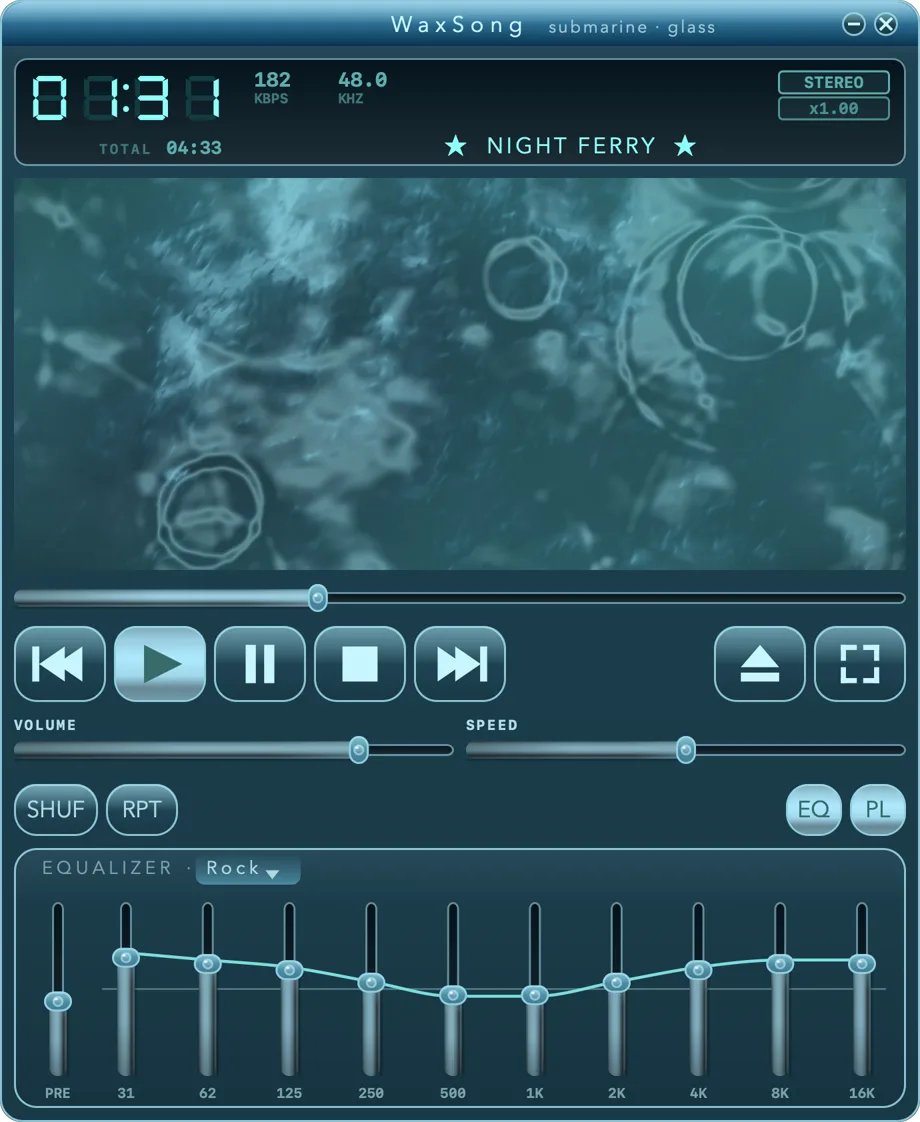
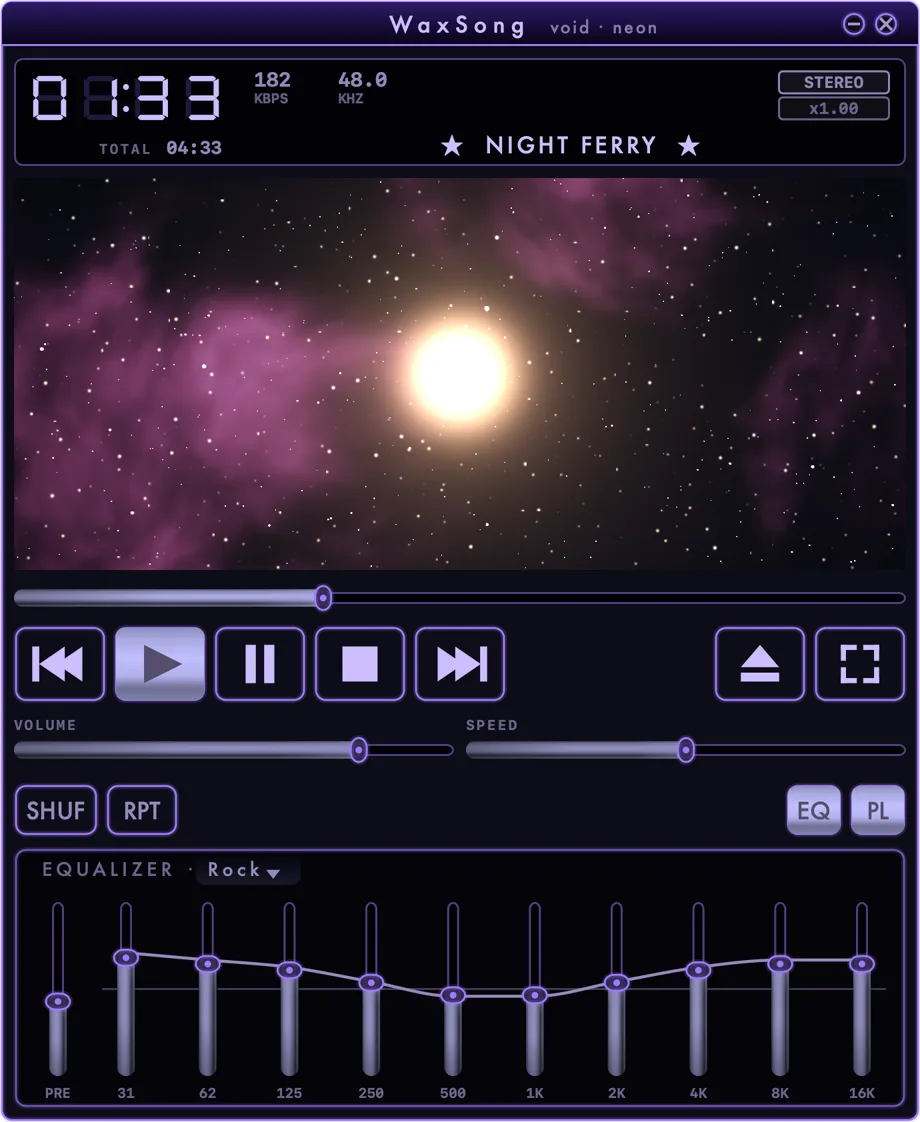
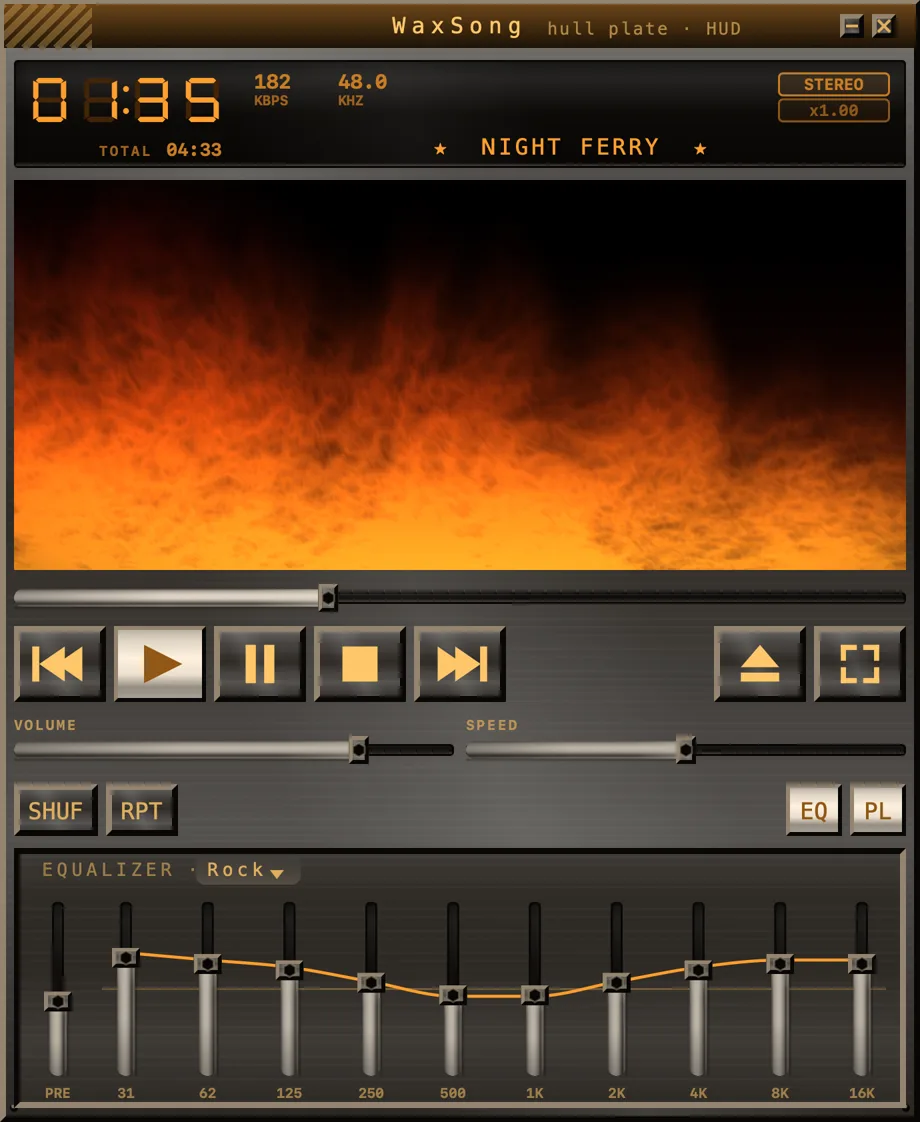
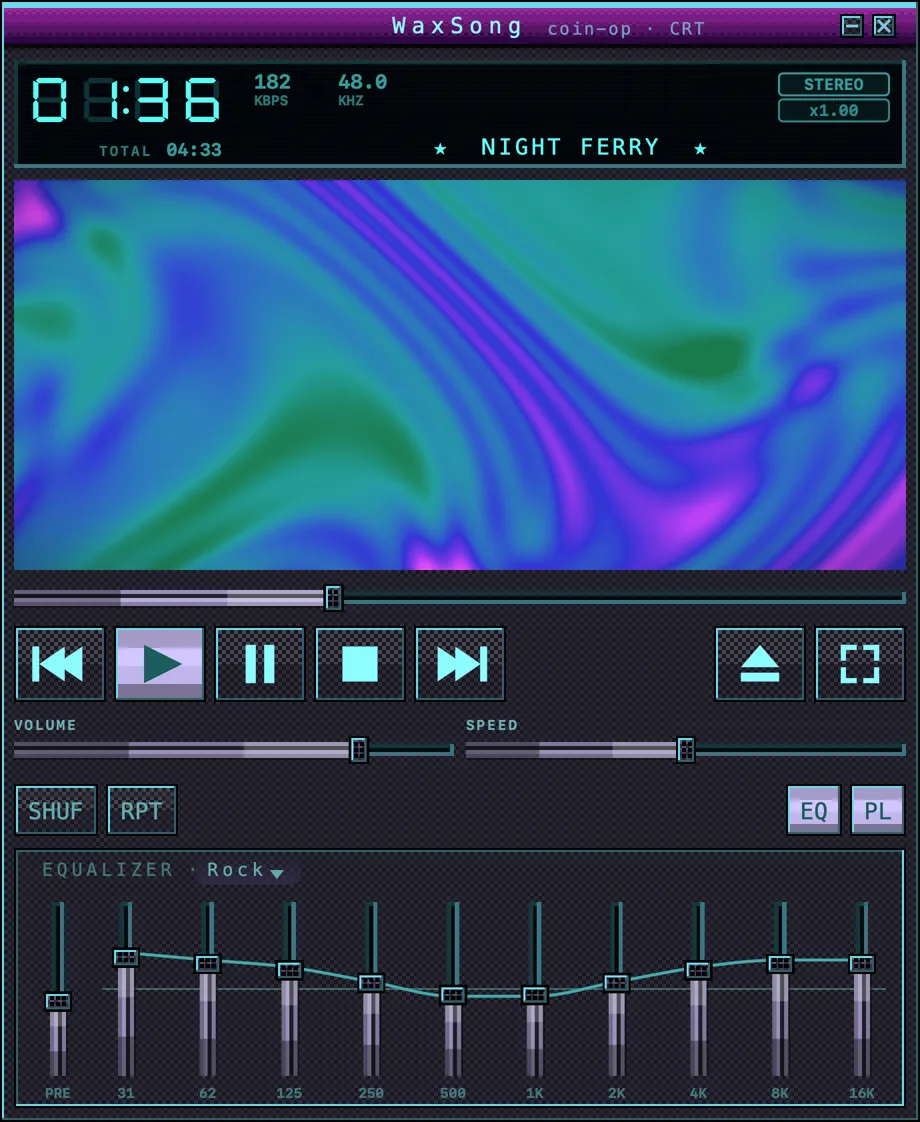
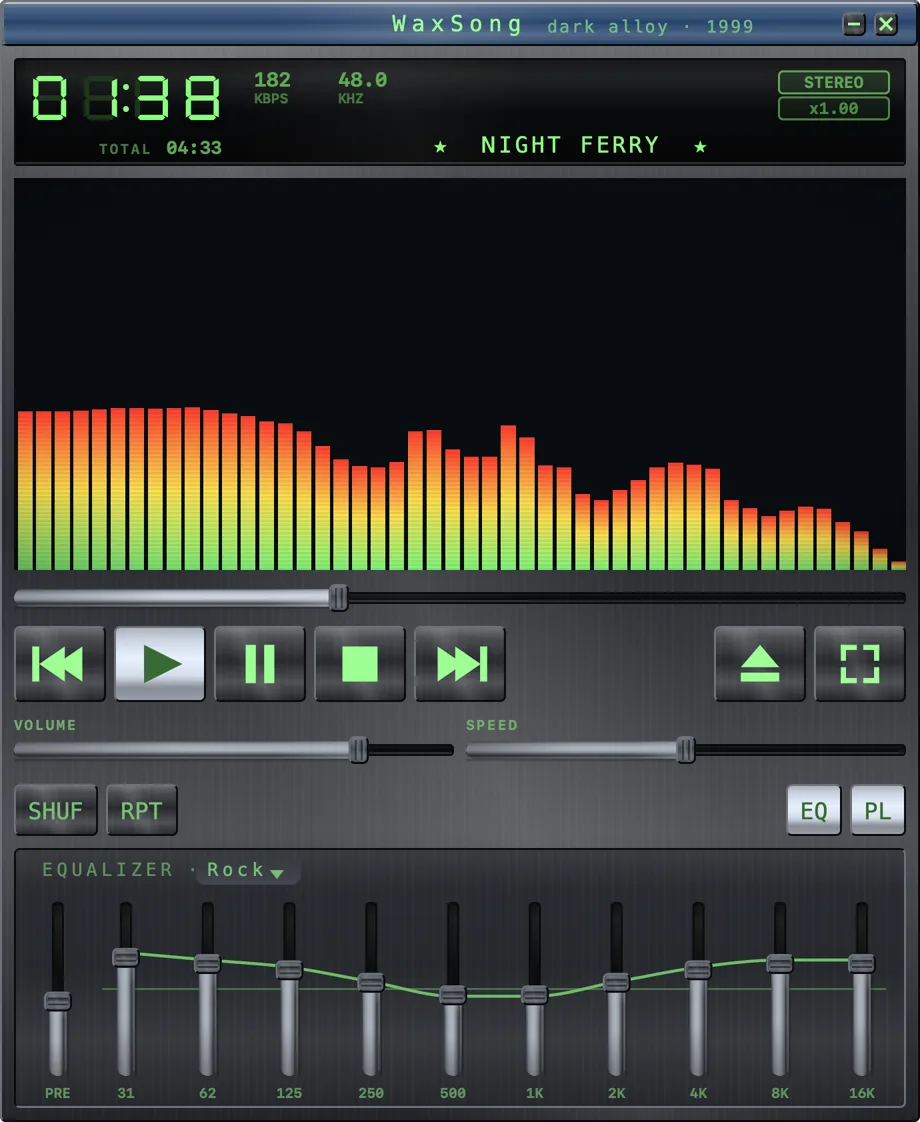
METALWATERBLACK SPACETITANARCADEGUNMETAL
The six skins cycling — every frame is a pixel-accurate capture of the real app, with its visualizer running.
The lineup
| Skin | Character | |
|---|---|---|
| METAL | ⌘1 | Brushed aluminium, displays sunk into the face plate — the default. Comes with SPECTRUM. |
| WATER | ⌘2 | Cool blues, calm glass. Comes with WATER. |
| BLACK SPACE | ⌘3 | Near-black, minimal glow for dark rooms. Comes with WARP. |
| TITAN | ⌘4 | Warm industrial metal. Comes with FLAMES. |
| ARCADE | ⌘5 | Loud cabinet colors, maximum 1999. Comes with PLASMA. |
| GUNMETAL | ⌘6 | The signature 1999 dark alloy with lime LCD. Comes with SPECTRUM. |
Picking a skin also picks its effect — the one in its picture above — because a skin is a whole look and not only a colour. That is a starting point, not a restriction: switch to any of the seven afterwards and it stays there until you change skin again.